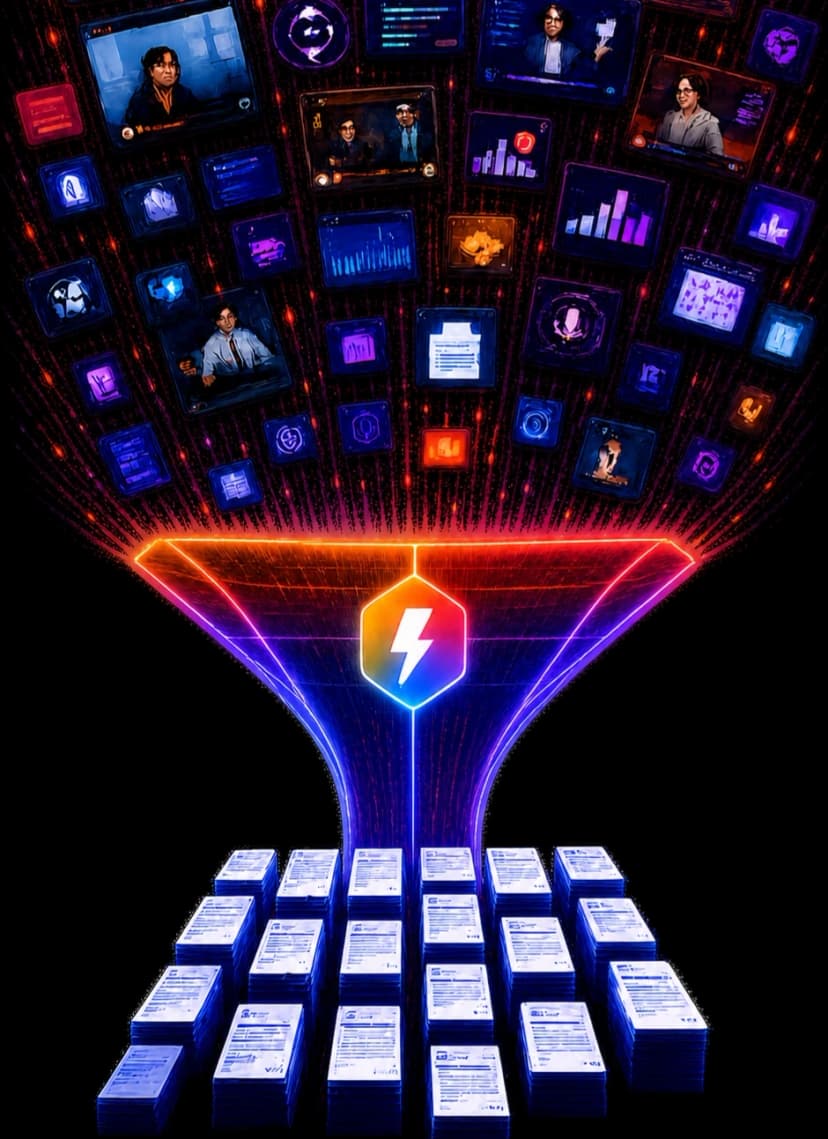

Watch less. Know more.
See any YouTube video in a single infographic. Understand the content at a glance — no playback needed. Subscribe to channels and get visual summaries delivered automatically.
The whole video, at a glance
Vispark turns YouTube chaos into clarity. Here’s how.
One Image, Whole Video
Every video becomes a scannable infographic. Understand the content without hitting play.
Auto-Summarized Feed
Subscribe once. New uploads turn into infographics and land in your feed automatically.
Summaries with Timestamps
Get a bullet-point breakdown. Tap any point to jump straight to that moment in the video.
8 Languages
Summaries, infographics, and transcripts in the language you think in.
Choose your plan
Start free. Upgrade when you need more.
Frequently asked questions
Everything you need to know about Vispark.
How does Vispark track YouTube channels?
Vispark monitors your subscribed channels for new uploads and updates. When a new video is published, it’s automatically queued for summarization based on your preferences.
What counts as a daily on-demand summary?
A daily on-demand summary is counted only when you select a video and request a summary. Summaries generated for tracked-channel uploads do not use your daily count. The count resets daily.
Can I switch plans at any time?
Yes. You can upgrade or downgrade your plan at any time. Changes take effect immediately, and billing is prorated.
Which languages are supported?
Vispark supports summarization in all languages that YouTube provides captions for.
Is there a free trial for paid plans?
You can start with the Free plan to try Vispark. Paid plans can be cancelled anytime — no lock-in.
Join the Vispark community
Share feedback, suggest features, and report bugs. Help us build the best video experience together.
Get in touch
Have a question, feedback, or need help? Send us a message and we'll get back to you.
This site is protected by reCAPTCHA and the Google Privacy Policy and Terms of Service apply.